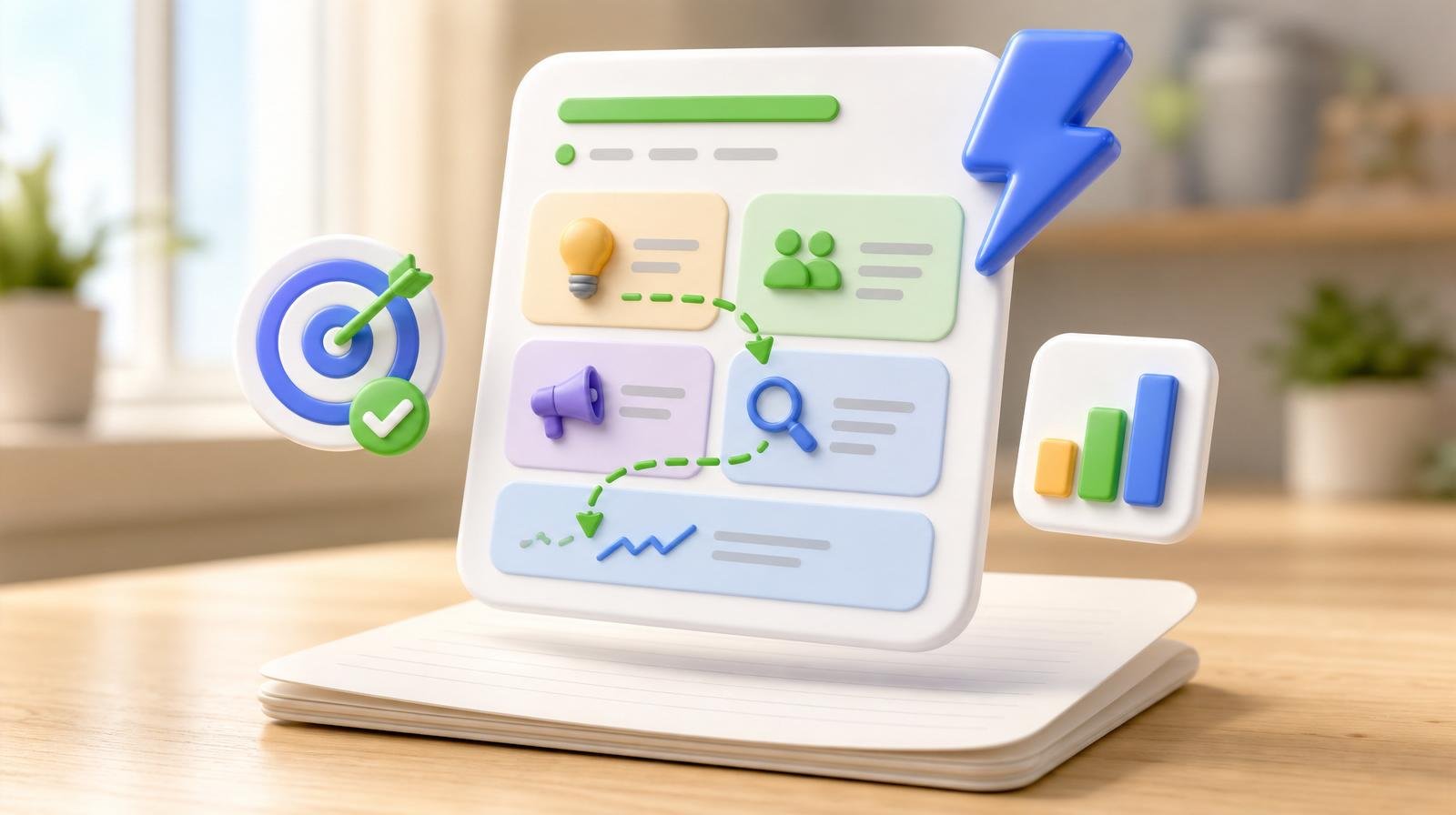
A marketing plan should fit on one page. If it's a 40-page PDF, it won't get opened again — you know it, your team knows it, and the reality is most small business owners already have a shelf full of them. Here's the one-page template that actually gets used, with fill-in prompts for each section and the AI shortcuts that turn a plan into weekly action.
The one-page marketing plan template
1. The goal
One number, one deadline. "Add 40 new customers by Q4." "Grow monthly revenue from $12k to $18k by December." Vague goals ("grow the brand") produce vague plans. Specific goals produce specific channels and cadence. If you can't pick a number, pick "leads per month" or "customers per month" — both work.
Fill in: By [date], we will [specific measurable outcome].
2. The audience
One primary customer, described in three lines. Not a "persona deck" — just: who they are, what they're trying to accomplish, and where they already spend attention online. If your business serves two very different audiences (say, homeowners and landlords), you need two plans, not one merged plan that dilutes both.
Fill in: Our primary customer is [role/segment], trying to [job-to-be-done], most easily reached on [1–2 channels].
3. The offer
The single thing you're leading with this quarter. Not your entire menu — the one entry point that gets new customers in the door. Coffee shop: "First drink free with any bakery item." Roofer: "Free 15-minute roof inspection." Consultant: "Free strategy call." The offer is what you promote everywhere; upsell happens after.
Fill in: Our lead offer this quarter is [specific offer] — designed to make [outcome] risk-free for the customer.

4. The channels
Pick 2–3 channels. Not 8. Not "everywhere." The channels are wherever your audience already spends attention — see section 2. For 90% of local service businesses in 2026, the answer is: Google Business Profile + reviews, one social channel (usually Instagram or Facebook), and email to existing customers. That's it. Everything else is a nice-to-have until those three are running weekly.
Fill in: Our 2–3 channels this quarter are: [channel 1], [channel 2], [optional channel 3].
5. The cadence
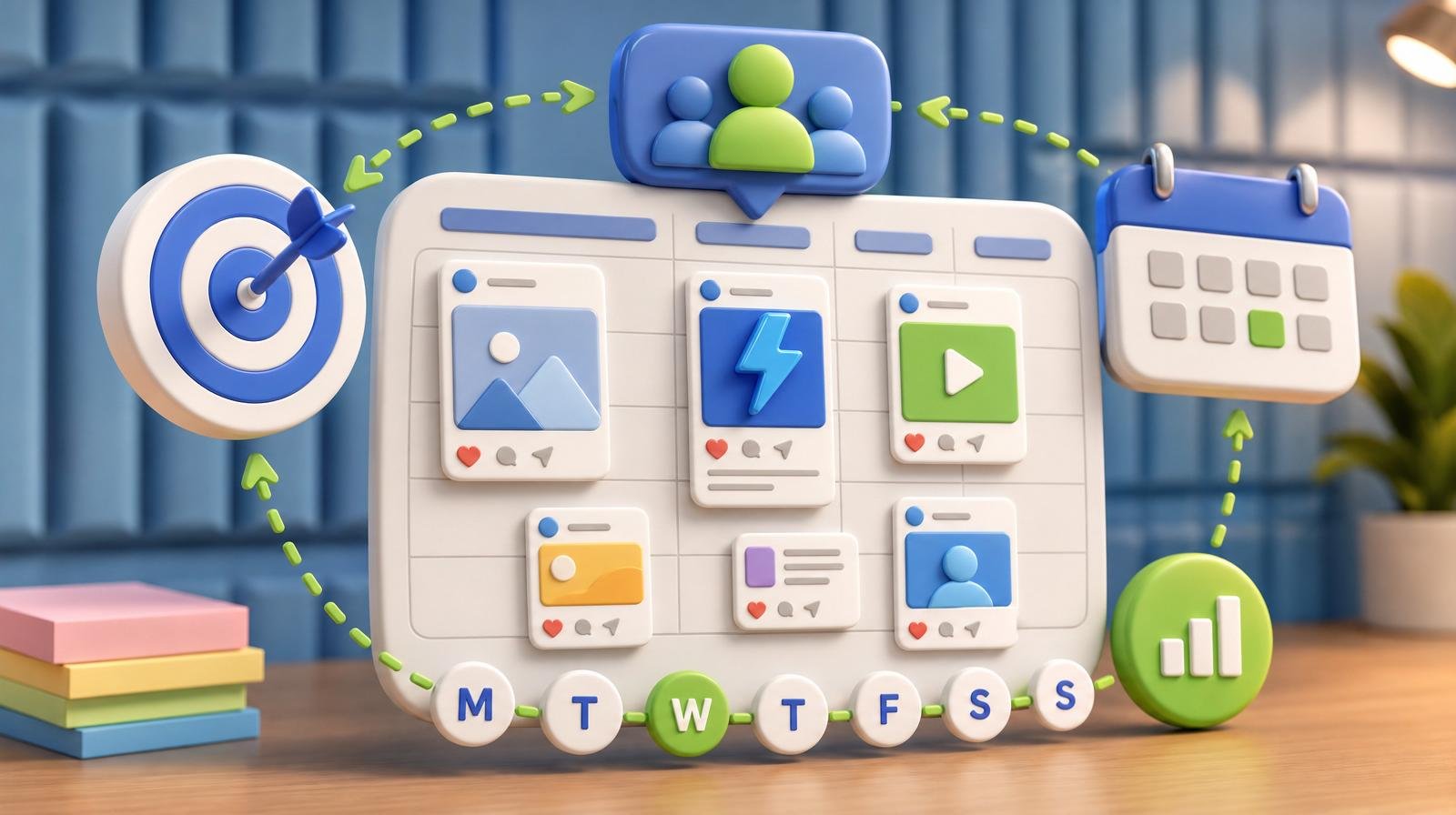
One measurable action per channel, every week, forever. "Post 3 times a week on Instagram." "Request 5 Google reviews per week." "Send 1 email per week to the list." A plan without cadence is a wish. If you can't commit to the cadence, cut the channel — running 1 channel weekly beats running 3 channels monthly, every single time.
Fill in: For each channel: [X actions per week], owned by [name/role].
This is where Social AI earns its keep for most small businesses — social posting is the cadence commitment that slips first. Automating the weekly plan means the cadence holds even when the week goes sideways. See how it works at the free trial preview.
6. The budget
One number per channel, per month. Include ad spend, tools, and any contractor hours. For most small businesses under $500k in revenue, the total marketing budget lands between 5% and 10% of revenue. Under 5% usually means you're leaving growth on the table; over 10% usually means you're over-tooled or over-advertising for your stage.
Fill in: Total monthly marketing budget: $[X]. Split between: [channel amounts].
7. The measurement
4 metrics, no more. One per channel plus one bottom-line metric. Track them in a single row you look at every Monday. Example: Google reviews added, Instagram followers, email list size, new customers. That's a marketing dashboard. Anything more elaborate is usually a distraction from doing the work.
Fill in: The 4 metrics we check every Monday are: [metric 1], [metric 2], [metric 3], [metric 4].
How this template compares to what most businesses actually use
| Approach | Length | Time to build | Actually referenced |
|---|---|---|---|
| One-page marketing plan (this template) | 1 page | 60 minutes | Weekly (as a dashboard) |
| Traditional marketing plan (SWOT, personas, PESTLE) | 20–40 pages | 1–2 weeks | Almost never after week 1 |
| No plan (winging it) | 0 pages | 0 minutes | N/A — random tactics |
| Agency-built plan | 30–60 pages | 4–8 weeks + $$$ | Only when the agency reviews it |
Comparing the one-page marketing plan template against the alternatives most small businesses default to in 2026.
The AI shortcuts that turn the plan into weekly action
The plan is worthless without execution. Three AI shortcuts do more of the weekly work than anything else:
- Content generation. Feed your audience, offer, and brand voice into an AI tool once; use it to draft every social post, email, and ad from then on. Our AI copywriting tools roundup covers the ones worth paying for.
- Scheduling and publishing. Never open the channel apps manually. Tools like Social AI queue a week's worth of posts in about 15 minutes and publish them automatically.
- Review generation. Automate the ask. Reviews AI sends a review request after every completed job so the cadence in section 5 doesn't rely on you remembering.
What to do this week
- Copy the 7 fill-in prompts above into a blank document.
- Answer each one in 1–2 sentences. Don't overthink it. First draft in 60 minutes.
- Print it. Pin it. Or paste it at the top of your CRM homepage.
- Every Monday, glance at the 4 metrics in section 7. If a metric drops two weeks in a row, that's the section you fix.
- Once a quarter, redo the whole page from scratch. Same 7 questions, fresh answers.
Putting it all together
A great marketing plan is not a great document. It's a great weekly rhythm, held to by a single sheet of paper that answers seven questions. Fill in the template, pick 2–3 channels, commit to a weekly cadence, and let AI handle the execution work that would otherwise slip. If you'd like the whole stack — content, publishing, reviews, listings — running from one dashboard, check ClickGrow pricing or create a free account to get started. For a broader view of the marketing engine behind the plan, our brand intelligence overview explains how the audience and offer sections stay consistent across every channel.