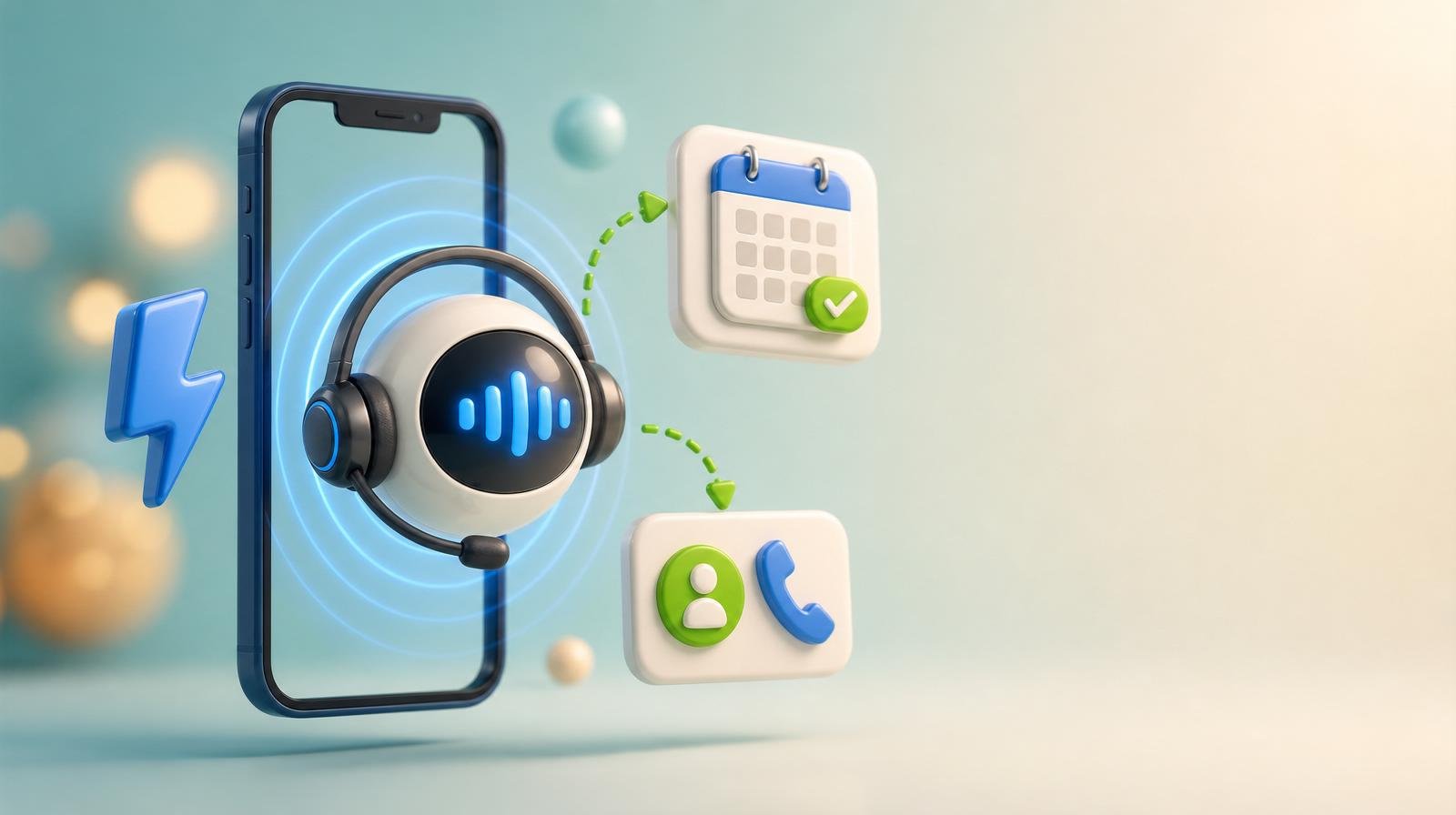
An AI receptionist is a voice agent that answers your business phone, talks to the caller in natural speech, asks the intake questions you configure, and then does something useful with the call — transfers it to a person, shares your booking link, or captures the details and sends you a summary. No menus, no hold music, no voicemail.
This guide covers what actually happens during an AI-answered call, how the technology differs from the phone trees everyone hates, what it costs per minute in 2026, and how to configure one so callers don't notice they're not talking to your front desk.
What happens during an AI-answered call
The whole interaction is four steps, and each one is a setting you control.
Answer. The agent picks up on the first ring with your greeting — your business name, in a voice you chose. There's no queue, because there's no shared pool of agents to wait for.
Understand. The caller says why they're calling in their own words. The agent maps that to an intent: new inquiry, existing customer, quote request, appointment, or something it should hand off.
Qualify. It asks the three to five questions you defined — name, service needed, location, timeline, best callback number — and confirms the answers back so nothing gets mistranscribed.
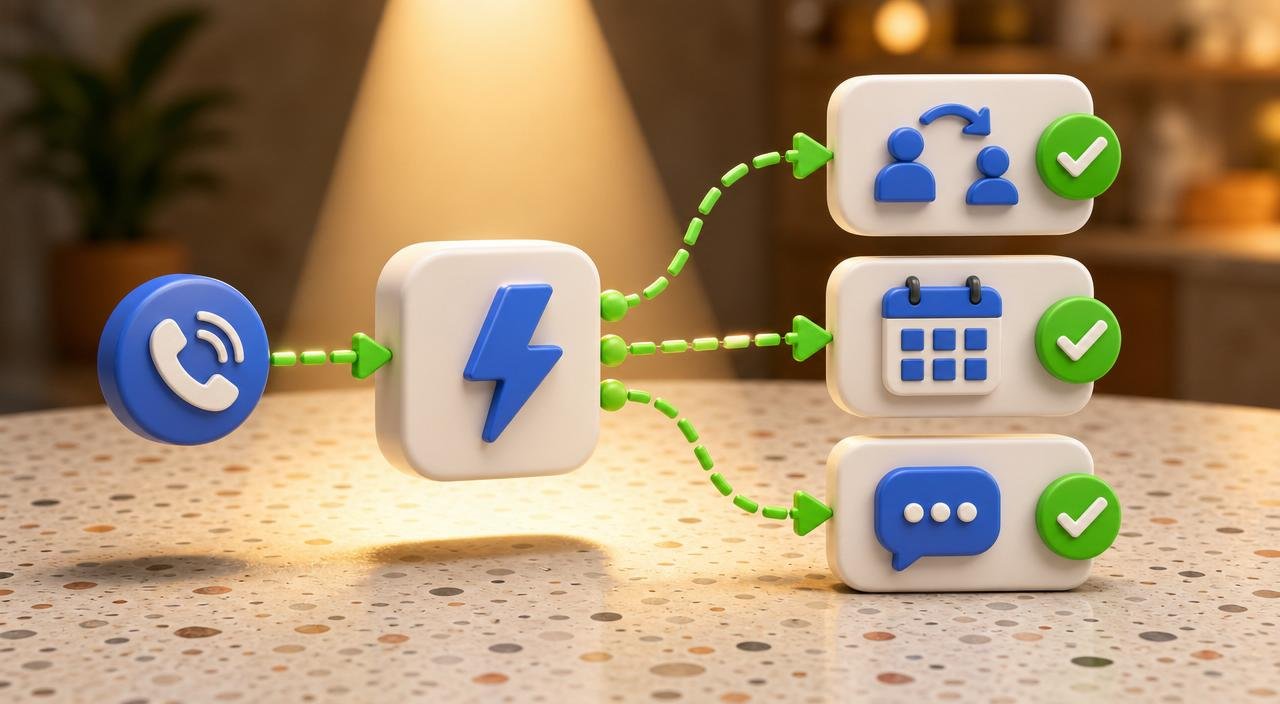
Act. Based on your rules, it transfers the call live, texts or reads out your booking link, or wraps up and drops a transcript and summary into your dashboard.
Why this isn't an IVR phone tree
The phone tree — "press 1 for sales, press 2 for support" — was designed for routing, not conversation. It works when the caller already knows which box they belong in, and fails badly when they don't.
| IVR phone tree | Voicemail | AI receptionist | |
|---|---|---|---|
| Caller input | Keypad menus | One-way message | Natural speech |
| Handles unexpected requests | No | No | Yes |
| Books appointments | No | No | Yes |
| Transfers to a human | Yes, by menu | No | Yes, by intent |
| Caller drop-off | High | Very high | Low |
AI receptionist compared to an IVR phone tree and traditional voicemail
The practical difference shows up in drop-off. People abandon menus because navigating one costs more effort than dialing the next business on the map. A conversation costs the caller nothing — they say what they want and get an answer.
The features that matter, in order
Vendor feature lists all look identical. These are the four that change outcomes:
- Live transfer. The single most important feature. If the agent can only take messages, it's an upgraded voicemail. It should hand off mid-conversation when your rules say a human is needed.
- Voice quality. Robotic prosody makes callers hang up in the first five seconds. Reception AI ships with 8 natural voices so you can match tone to the business — clinical, warm, or brisk.
- Language coverage. If a meaningful share of your customers speak another language, an agent that switches languages mid-call recovers calls you were losing outright.
- Transcripts and summaries. Every call should produce a searchable record. This is what makes follow-up systematic instead of dependent on someone's memory.
What it costs
AI receptionists price per minute of call time rather than per seat, which is why they work for businesses with unpredictable volume.
ClickGrow Reception AI runs at 35 credits per minute — about $0.35 a minute at the platform's $0.01 per credit rate — plus 300 credits a month (roughly $3) for each active phone number. A business taking 100 calls a month averaging three minutes each lands around $105 in call time plus $3 for the number.
Compare that to a part-time front-desk hire or a live answering service with a monthly minimum, and the difference isn't marginal. Full plan details are on the ClickGrow pricing page, and the cost breakdown against live answering services is covered in our answering service comparison for small business.
Setting one up without touching your phone system
Nothing about your existing setup has to change. You have two paths:
Forward your existing number. Customers keep dialing the number on your truck, your business card, and your listings. You forward it — conditionally, so it only rings the AI after hours or when nobody picks up, or unconditionally so the AI always answers first.
Provision a new number. Useful when you want a clean line for ads or a specific campaign, and want to measure exactly what it produces. Each number costs about $3 a month.
Then it's three configuration steps: choose a voice, write the greeting, and list the intake questions. Most businesses are live in under ten minutes, which is why it's worth testing before committing to any longer vendor process. Start a ClickGrow trial and route one forwarded number through it.
Where the AI receptionist fits in the rest of your marketing
Answering the phone is the middle of a chain, not the whole thing. Something has to make the phone ring, and something has to happen after the call ends.
On the front end, Listings AI keeps the number people are dialing accurate across directories and maps, and Social AI keeps the business visible week to week. On the back end, Reviews AI turns a completed job into a review request while the customer still remembers the experience — the same follow-up loop covered in our guide to getting more customers as a small business.
Who should not use one yet
Two situations still argue for a human first touch. The first is genuinely high-stakes intake — emergency medical, crisis services, legal matters where the first sixty seconds carry legal weight. The second is businesses whose calls are almost entirely existing-customer relationship management, where the caller expects to be recognized by name and voice.
Everyone else — home services, clinics, salons, contractors, agencies, studios — is answering a predictable set of questions all day. That's exactly the work an AI receptionist takes off the table, and the calls it can't handle are the ones it should be transferring anyway.