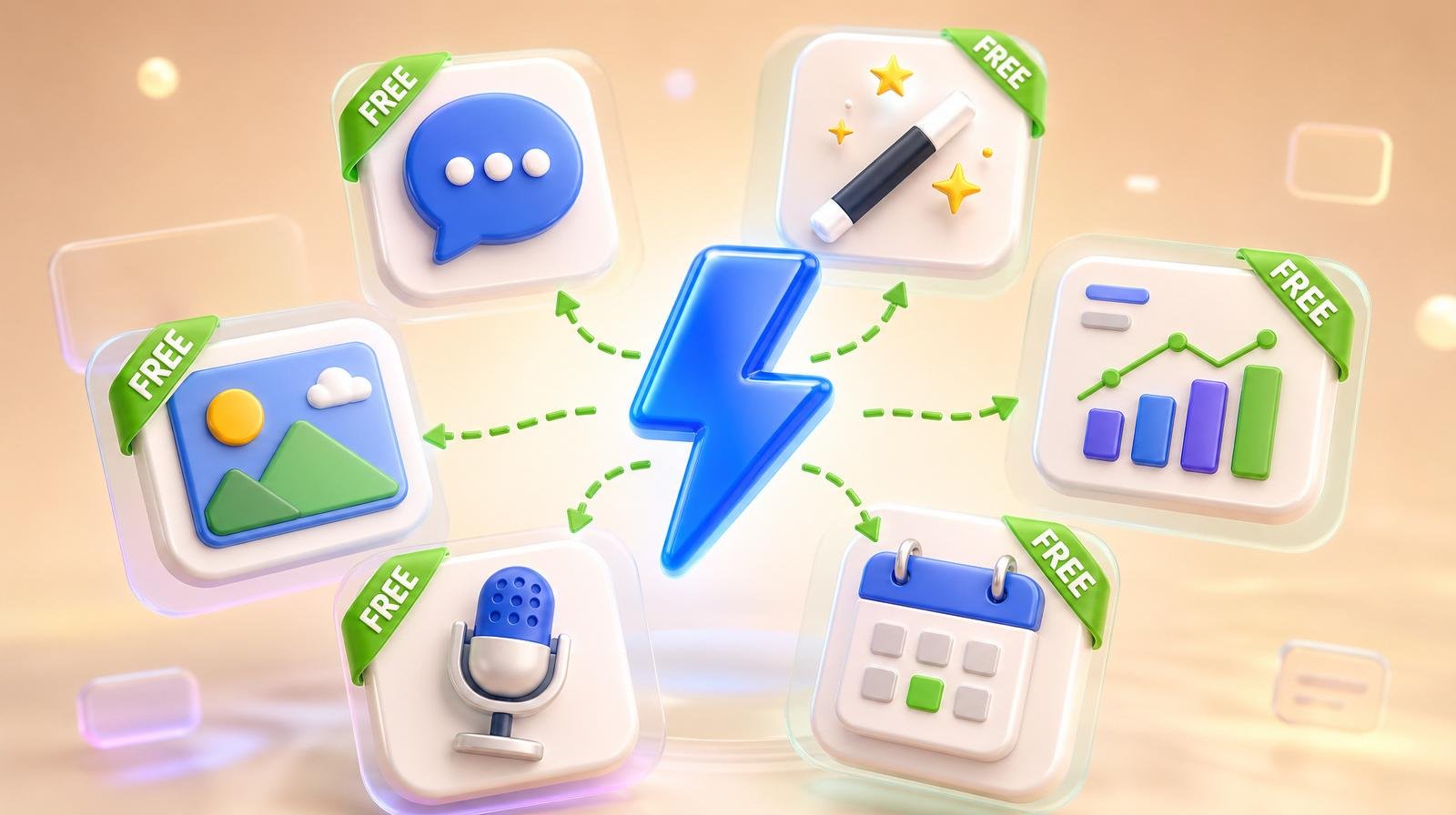
Most "free AI tools for small business" lists are dishonest — half the tools are 7-day trials, the other half are paid tools with a "free" demo. The 13 tools below have genuine, permanent free tiers that a small business owner can use for real work. Stack 3–5 of them and most owners replace roughly $300/month in software they used to pay for.
The 4 free AI tools every small business should set up first
Before you go shopping for niche tools, install these four. They cover 80% of what most owners need on day one.
- ChatGPT (Free) — writing, answering, brainstorming, summarizing. Free tier now includes GPT-4o-mini, voice mode, image generation, and basic web search.
- Google Gemini (Free) — strong at research and any task that touches Gmail, Docs, Sheets, or Calendar via Workspace integration.
- Canva Free — visuals, social graphics, short videos, presentations. Magic Write and Magic Edit included in the free tier with monthly credit caps.
- Google Business Profile (Free) — not usually framed as "AI," but the Insights tab, performance tab, and AI-generated post suggestions are all free and drive local search.
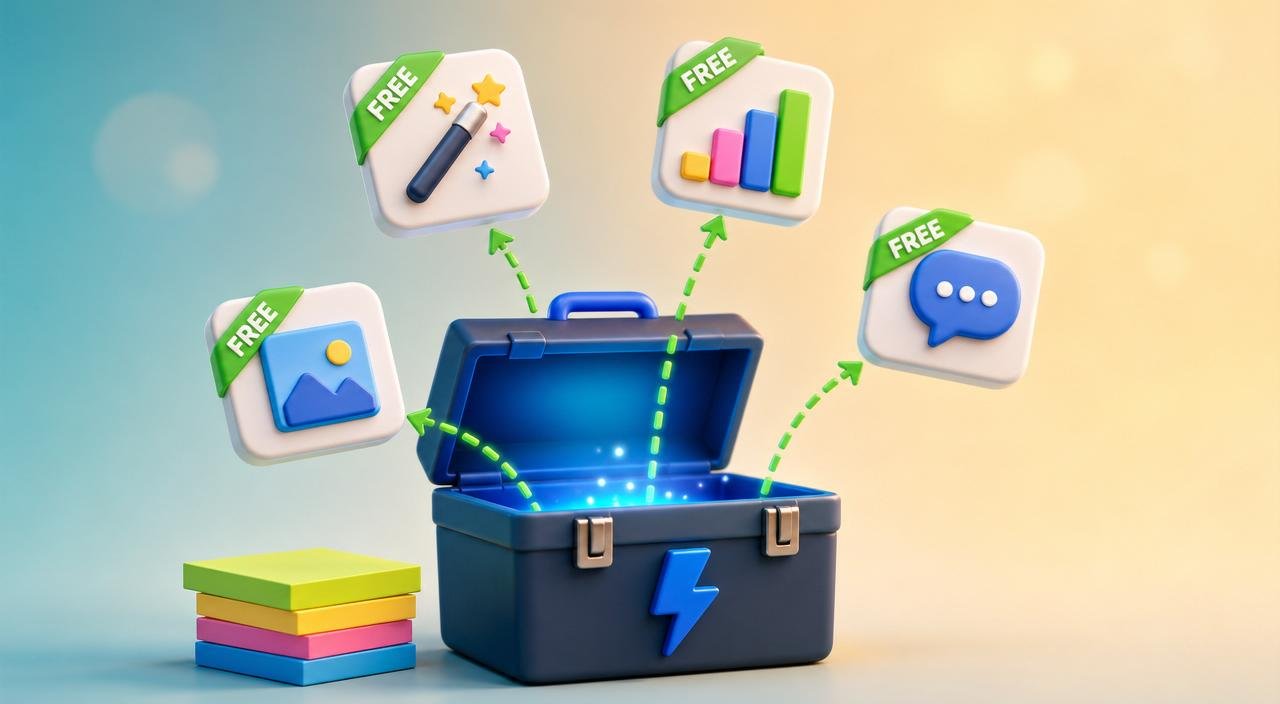
The other 9 free AI tools by job
Writing and copy
- 5. Anthropic Claude (Free) — the best free alternative to ChatGPT for long-form writing, email drafts, and nuanced responses. 30–50 messages a day on the free tier.
- 6. Grammarly Free — grammar, tone, and clarity checking built into Chrome, Gmail, and Docs. Free tier covers all the high-frequency mistakes.
Images and design
- 7. Microsoft Designer (Free) — AI-generated social posts, posters, and product mockups backed by DALL·E. Free with a Microsoft account.
- 8. Remove.bg (Free) — instant background removal. Free tier delivers 50 small images; plenty for most weekly social and storefront photos.
Video and audio
- 9. CapCut (Free) — full video editor with AI auto-captions, voice cloning, and background removal. Free desktop and mobile apps with no watermark on basic exports.
- 10. ElevenLabs Free — high-quality AI voice generation. Free tier covers about 10 minutes of voiceover per month — enough for short reels or explainers.
Social and scheduling
- 11. Buffer Free — 3 social channels, 10 scheduled posts per channel, basic AI assistant. Good starter scheduler.
- 12. Metricool Free — analytics + scheduling across 5 platforms on the free tier, plus a handy auto-reply feature for Instagram.
Productivity
- 13. Notion AI (Free trial credits) — Notion itself is free; the AI add-on includes a starter credit pool. Best for owners who already keep notes, SOPs, and project boards in Notion.
Quick comparison (what each free tier actually includes)
| Tool | Best for | Free-tier limit |
|---|---|---|
| ChatGPT | Writing, brainstorming, research | GPT-4o-mini, rate-limited GPT-4o, image gen |
| Google Gemini | Workspace-integrated tasks | Gemini 2.x Flash, daily message cap |
| Claude | Long-form writing | ~30–50 messages/day |
| Canva Free | Visuals, social graphics | All core templates, monthly Magic credits |
| Microsoft Designer | AI-generated marketing visuals | Free with Microsoft account, daily caps |
| CapCut | Video editing, captions | Full editor, no watermark on basic exports |
| ElevenLabs | AI voiceover | ~10 min/month |
| Buffer | Scheduling 3 channels | 10 scheduled posts per channel |
| Metricool | Analytics + scheduling | 5 platforms, monthly post limit |
| Grammarly | Writing assistant | Grammar + basic tone, unlimited |
Free tier limits as of 2026 — check vendor sites for current quotas.
The honest tradeoff: free vs paid
Free AI tools are excellent for learning the workflow and replacing isolated tasks. They start to break when you need the channels connected — your social tool talking to your review tool talking to your listings tool — because every free tier is built to nudge you toward a paid plan.
The rule that saves owners the most time: start free to learn, pay for the one tool that consolidates the most steps. For most small businesses that consolidation tool is the marketing stack — and that's exactly the problem Social AI, Reviews AI, and Listings AI exist to solve. For the broader "how to automate everything" playbook, see our marketing automation guide and our list of the best AI tools for small business in 2026.
3 things NOT to do with free AI tools
- Don't paste customer data into the free tier without disabling data-training in settings. Default settings on most free tiers allow training use.
- Don't stack 12 free tools at once. Switching cost compounds. Pick the 3–5 that cover your weekly work and ignore the rest.
- Don't trust the "free forever" promise blindly. Free tiers tighten constantly. Re-check quotas every quarter so you're not surprised by a sudden paywall.
What to set up today
- Create accounts for ChatGPT, Canva, and Gemini. 10 minutes total.
- Open Google Business Profile and enable AI post suggestions in the Posts tab.
- Pick one specialist free tool from the list above based on the work you do most. Use it for one full week before adding a second.
When you outgrow free — when stitching the tools costs more time than they save — start free on the ClickGrow signup page or compare plans on the pricing page.